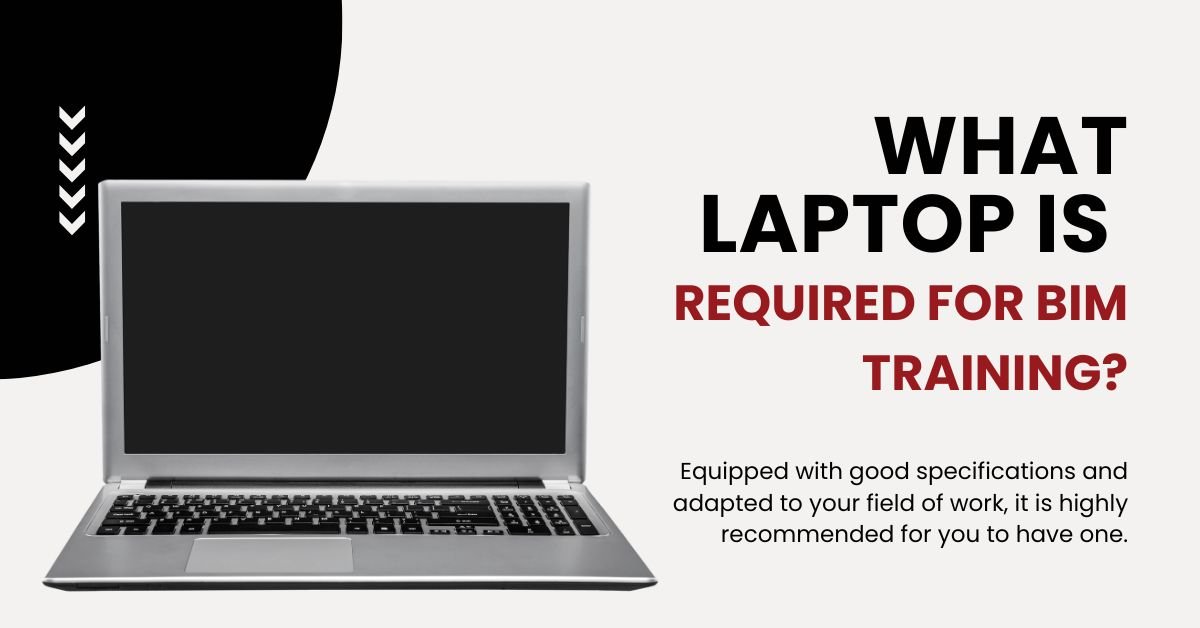
Choosing the right laptop for BIM is not optional—it directly affects your learning speed, software performance, and overall experience.
If you’re planning to learn BIM (especially tools like Revit), this guide will clearly explain what laptop required for BIM training in a practical and beginner-friendly way.
Why Laptop Selection Matters for BIM
BIM software like Revit, Navisworks, and 3D tools are heavy applications.
If your laptop is weak, you’ll face:
- Lag while modeling
- Crashes during rendering
- Slow project loading
That’s why choosing the right laptop required for BIM training is critical.
Minimum vs Recommended Laptop Requirements
Let’s keep it super clear.
Minimum Requirements (Basic Learning)
- Processor: Intel i5 / Ryzen 5
- RAM: 8–16 GB
- Storage: 256–512 GB SSD
- Graphics: Basic GPU
👉 You can run software, but performance will be limited.
Autodesk recommends at least a multi-core processor and 8 GB RAM minimum, but higher specs are needed for smooth work.
Recommended Requirements (Best for Students)
- Processor: Intel i7 / Ryzen 7
- RAM: 16–32 GB
- Storage: 512 GB–1 TB SSD
- Graphics: Dedicated GPU (4GB+ VRAM like GTX/RTX)
For smooth BIM workflows, 16–32 GB RAM and a dedicated GPU are strongly recommended.
Ideal (Future-Proof Setup)
- Processor: i7 / i9 or Ryzen 7/9
- RAM: 32 GB
- GPU: RTX 3050 / 3060 / above
- Storage: 1 TB SSD
This setup ensures:
- No lag
- Smooth rendering
- Faster project handling
Windows vs Mac for BIM
This is a very important decision when choosing the laptop required for BIM training, and many students get confused here.
Windows (Highly Recommended)
If your goal is to learn BIM seriously, Windows laptops are the best choice.
Why Windows is better for BIM:
- Most BIM software like Revit and Navisworks are built primarily for Windows
- Full compatibility with industry-standard tools
- Better support for plugins and extensions
- More hardware flexibility (you can choose powerful GPUs easily)
- Widely used in companies, so your learning matches industry environment
Practical Insight:
Almost every BIM job in India expects you to work on Windows-based systems. So choosing Windows makes your transition from learning to job much smoother.
Mac (Limited Use Case)
MacBooks are powerful, but when it comes to BIM, they have limitations.
Challenges with Mac:
- Revit does not run natively on macOS
- Requires workarounds like Boot Camp or virtualization
- Performance issues may occur with heavy BIM models
- Limited support for some BIM tools and plugins
When Mac can work:
- If you are using software like ArchiCAD (which supports macOS)
- If your focus is more on design than full BIM workflows
Final Verdict
When deciding the laptop required for BIM training, the choice is clear:
- Windows → Best for BIM learning and jobs
- Mac → Only suitable for limited or specific use cases
If your goal is to become job-ready in BIM, always go with a Windows laptop.
Common Mistakes to Avoid
While choosing a laptop required for BIM training, avoid:
- Buying i3 / Celeron laptops ❌
- Ignoring GPU ❌
- Choosing 8GB RAM only ❌
- Going for ultra-cheap options ❌
These will slow down your learning.
Best Budget Range in India
- ₹50,000 – ₹70,000 → Entry-level BIM
- ₹70,000 – ₹1,00,000 → Best for most students
- ₹1,00,000+ → Advanced / professional use
Conclusion
So, what laptop is required for BIM training?
The simple answer:
- Minimum → i5 + 16GB RAM
- Recommended → i7 + 16–32GB RAM + GPU
- Ideal → High-performance gaming/workstation laptop
If you invest in the right laptop required for BIM training, your learning becomes faster, smoother, and way more effective.
FAQ
A laptop with at least i5 processor, 16GB RAM, and SSD is recommended.
It works for basics, but 16GB is better for smooth performance.
Yes, a dedicated GPU improves performance significantly.
Yes, but performance will be slow and frustrating.